Reviews
Description
Game Introduction
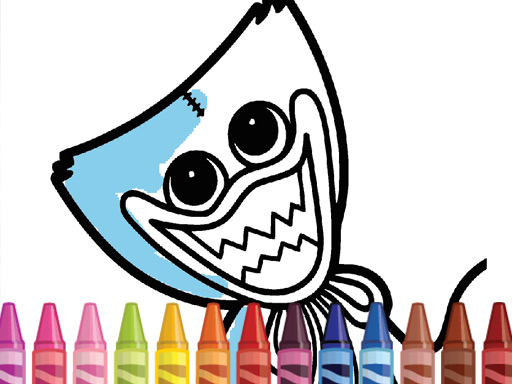
Huggy Coloring Online Game invites players into a creative world inspired by the popular Poppy Playtime series. This free online game focuses on coloring the iconic Huggy character using a vibrant palette and various artistic tools. It blends a spooky theme with relaxing, family-friendly fun, encouraging players to express their imagination without any violent or inappropriate content. Suitable for all ages, it offers a unique way to enjoy a touch of mystery while engaging in a calming artistic activity.
How to Play
Playing Huggy Coloring is straightforward and accessible. Players start by selecting a Huggy-themed image from the game's collection. Using the on-screen color palette, they choose their preferred shades and then tap or click on the areas they wish to color. The game provides a variety of brushes and tools, such as fill options and fine-tip markers, to help achieve precise details. Actions can be undone or redone to perfect the artwork. Once satisfied, players can save their masterpiece to share with friends. No downloads or registrations are required—just open a browser and start coloring instantly. The controls are designed for easy navigation, making it suitable for both kids and adults.
Game Features
Huggy Coloring is free to play and requires no downloads, offering instant access through a browser. It is family-friendly, with no violence or inappropriate content, making it safe for players of all ages. The game includes a variety of creative tools like brushes, fill options, and fine-tip markers to enhance the coloring experience. The spooky theme adds a unique twist, appealing to fans of horror-themed games and creative pastimes. Players can save and share their artwork, and the simple controls ensure easy navigation.
Tips for Success
To get the most out of Huggy Coloring, take your time exploring the different images and color combinations. Experiment with various brushes and tools to discover new effects. Use the undo feature freely to try different approaches without worry. Practice regularly to improve your precision and creativity. Sharing your finished artwork with friends can be a fun way to get feedback and inspiration. Most importantly, enjoy the relaxing process and let your imagination guide you.